







Guide for UK landlords
Making Tax Digital for landlords
Who needs it, when it starts, what the quarterly updates are, and a simple way to keep your rent and costs ready for them.
Checked against GOV.UK on 21 October 2026. This is a plain summary, not tax advice.
Who needs it, and when
Making Tax Digital for Income Tax means keeping digital records and sending HMRC an update every quarter. It depends on your qualifying income: your gross income from self-employment and property, before expenses.
| Qualifying income | In the tax year | You use it from |
|---|---|---|
| Over £50,000 | 2024 to 2025 | 6 April 2026 |
| Over £30,000 | 2025 to 2026 | 6 April 2027 |
| Over £20,000 | 2026 to 2027 | 6 April 2028 |
HMRC's own example: £25,000 of rental income plus £27,000 from self-employment is £52,000 of qualifying income. Employment income, dividends and pensions don't count.
The quarterly updates
Each update covers the tax year so far. Most people use the standard periods. You can choose calendar periods instead.
| Standard period | Calendar period | Deadline |
|---|---|---|
| 6 April to 5 July | 1 April to 30 June | 7 August |
| 6 April to 5 October | 1 April to 30 September | 7 November |
| 6 April to 5 January | 1 April to 31 December | 7 February |
| 6 April to 5 April | 1 April to 31 March | 7 May |
Can I keep using a spreadsheet?
Yes. You send the updates with software that works with Making Tax Digital. GOV.UK says bridging software can connect to records you keep in a spreadsheet and make the submissions for you. Or your accountant can send them.
The spreadsheet's job is to keep your rent and costs tidy, under the right headings, and added up by quarter. That is what I built the UK Landlord Tracker to do.
The full guide, in one PDF
This page covers the main dates. My Making Tax Digital Landlord Guide goes further in 18 pages: working out qualifying income, exemptions, what to record, the quarterly updates, the new penalties, joint owners and a step by step setup plan, with the GOV.UK sources listed.
The UK Landlord Tracker
A calm spreadsheet for landlords with one to ten properties, for Excel and Google Sheets with no macros.
- Rent ledger that works out paid, paid late, part paid or overdue, and flags late rent.
- Expenses under HMRC's property expense headings, with a receipt kept check.
- Totals for each quarter of the tax year, standard or calendar, with the update due date.
- Mortgage interest kept separate, because on residential lets it gets a tax credit instead of being deducted.
- A countdown to gas safety, EICR, EPC, alarm, licence and insurance dates, and a maintenance log.
- A blank file and a sample file with three example properties.
It keeps your records organised. It does not send anything to HMRC, and it is not tax advice.
Buy the tracker on Etsy, £11.99 See the toolkit, £17.99
Questions
Do I need Making Tax Digital as a landlord?
You need it if your qualifying income is over the threshold: over £50,000 in the 2024 to 2025 tax year means from 6 April 2026, over £30,000 in 2025 to 2026 means from 6 April 2027, and over £20,000 in 2026 to 2027 means from 6 April 2028.
Is qualifying income my rent before or after costs?
Before costs. HMRC counts your gross income from self-employment and property, the amount before expenses. For example, £25,000 of rent plus £27,000 from self-employment is £52,000.
Can I keep my records in a spreadsheet?
Yes, with bridging software. GOV.UK says bridging software can connect to records kept in spreadsheets and send your updates to HMRC.
Does the Lepus tracker send updates to HMRC?
No. It keeps your records organised under HMRC property expense headings and adds them up by quarter. You send the updates with compatible software, bridging software, or through your accountant.
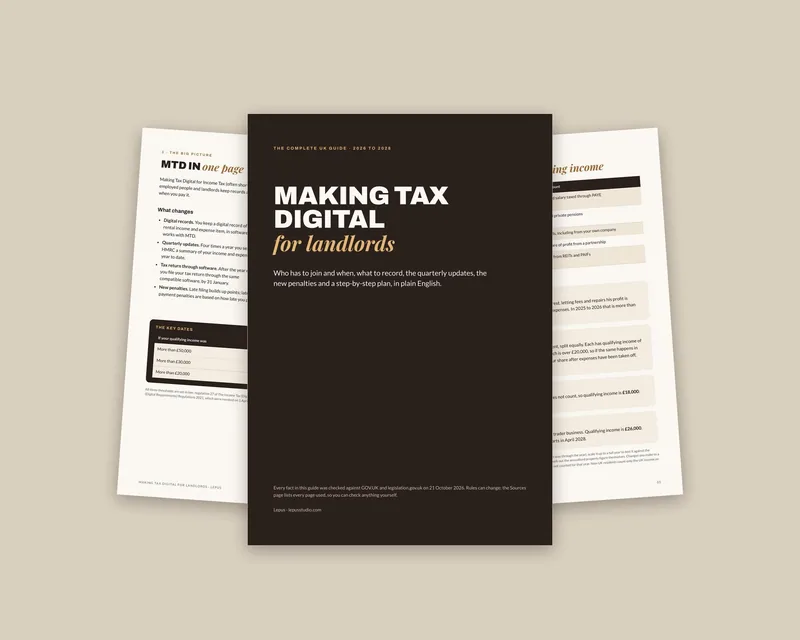
Making Tax Digital Landlord Guide
Excel, Google Sheets and PDF
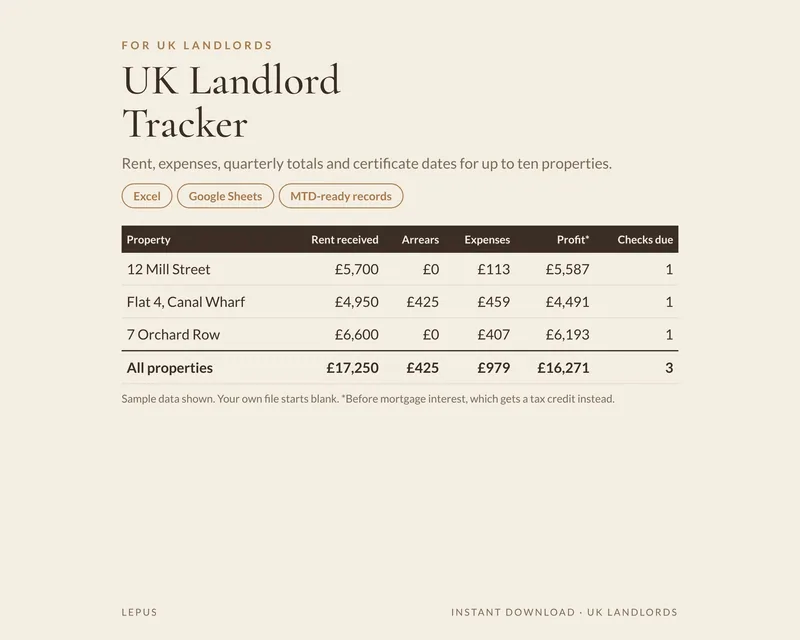
UK Landlord Tracker
Excel, Google Sheets and PDF
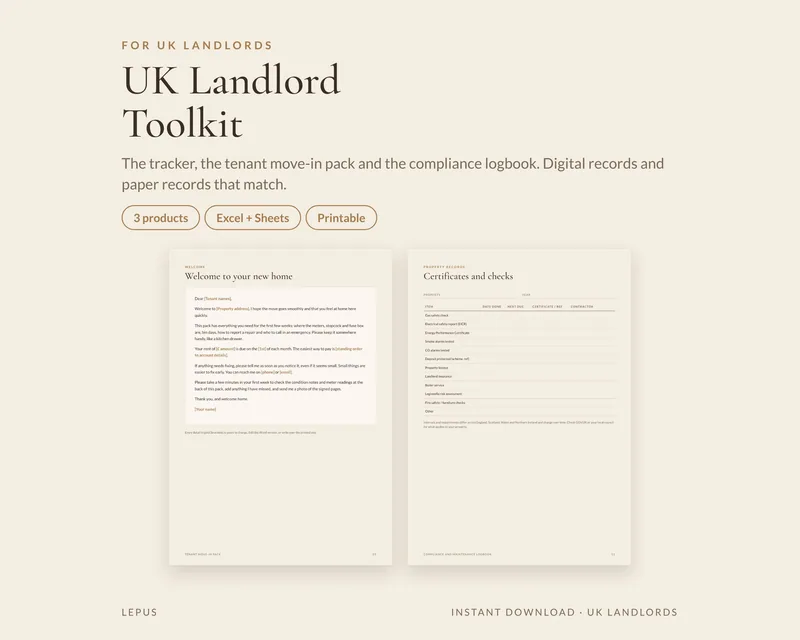
UK Landlord Toolkit
Excel, Google Sheets and PDF
Sources
- GOV.UK: find out if and when you need to use Making Tax Digital for Income Tax
- GOV.UK: work out your qualifying income
- GOV.UK: send quarterly updates
- GOV.UK: find compatible software
Rules differ across England, Scotland, Wales and Northern Ireland and change over time. Check GOV.UK and speak to your accountant about your own situation.